
VINELink Coverage After Del Norte Arrests
The Del Norte County Sheriff's Office posts a direct link to California VINE on its site. The state line is 1-877-411-5588. Use either channel to search custody or register for phone or email alerts at the county layer.
VINELink answers one narrow question: is this person in a participating custody record? It is not the county's full booking feed. It is not a mugshot database either. Someone cited without county booking may never appear. Entries can also be delayed or restricted, and holds outside participating agencies fall outside the search.
Del Norte County Jail sits at 650 Fifth Street in Crescent City and is run by the sheriff's office. The county roster can list new bookings, people in custody, and some recent releases. VINE adds automated notices on top of that. The two channels overlap but are not interchangeable. A roster status works well for a quick visual check, while VINE fits best when a person needs an alert tied to a supported custody record.
How to Check a Del Norte Arrest
- Open the official California search. Go to the California VINELink person-search route or call 1-877-411-5588.
- Use the requested identity details. Enter exact or near-exact name information and any additional identifiers the live interface requests.
- Review every plausible match. Names are not unique. Compare custody status, facility, identification number, and other neutral details before deciding that a result concerns the intended person.
- Check the county roster if absent. A new intake may be on CitizenRIMS before VINE updates, or may not yet have reached either public presentation.
- Switch systems after transfer. If the person entered CDCR custody, use CIRIS for location and the CDCR victim-notification process for later alerts. Use BOP or ICE for those distinct custody types.
A search result is just a custody record. A missing result works the other way. Plenty of Del Norte County arrests never surface in VINE, so treat silence carefully. The Del Norte County arrest-record hub explains how to pull the booking record and follow the court case.
What VINELink Shows After Arrest
VINE screens can differ from one agency to the next. The fields offered depend on the record too. Names, booking numbers, and custody status are typical, but nothing is guaranteed. Treat whatever appears as notification data. Confirm it directly when safety, travel, or court dates depend on the answer.
| Result element | How to use it |
|---|---|
| Name and identifying details | Use them to screen possible matches, not to establish identity from a shared name. |
| Custody status | Shows the system’s current reported state. Data can lag a recent booking, release, or movement. |
| Facility or agency | Indicates which participating custody layer reports the person and helps determine whom to call. |
| Offender or record identifier | A better reference than name alone when asking an agency about the same record. |
| Notification option | Appears when registration is supported for that record; available events and channels depend on the service. |
| Photograph or disposition | VINELink is not the source for a Del Norte booking photo or the final court outcome. |
California VINE notices fire on release, transfer, and escape-type events. A message means the status changed. It does not mean the person is free of every hold, case, or other custody. One facility can let go. Another can keep a hold in place.
Register for Del Norte Custody Alerts
- Open the correct person record. Recheck identifying details before attaching a notification to a match.
- Select the offered notification option. Choose phone or email when those channels appear for the record and event.
- Enter reliable contact information. Use an address or number that can receive timely notices. Follow the live screen’s confirmation instructions.
- Create the requested four-digit PIN. Save it securely. California VINE guidance uses the PIN to confirm telephone notification, and calls may repeat until it is entered under system rules.
- Keep the registration details. Retain the record identifier, chosen channel, and PIN so the registration can be managed or explained if a notice is missed.
California VINE never tells the monitored person who registered. Still, guard your details. Keep the PIN private at all times. Alerts are a safety tool, nothing more. They do not replace an emergency plan, a protective order, a call to 911, or direct confirmation from the agency.
Pick a contact method you actually watch. Voicemail, email previews, shared devices, and blocked calls can expose private information or delay a notice. The live interface decides which channels and events are offered, and the official CDCR victim-services application page explains the separate state-prison notification layer. Never enter someone else's contact details without permission, and never post a confirmation or PIN anywhere.
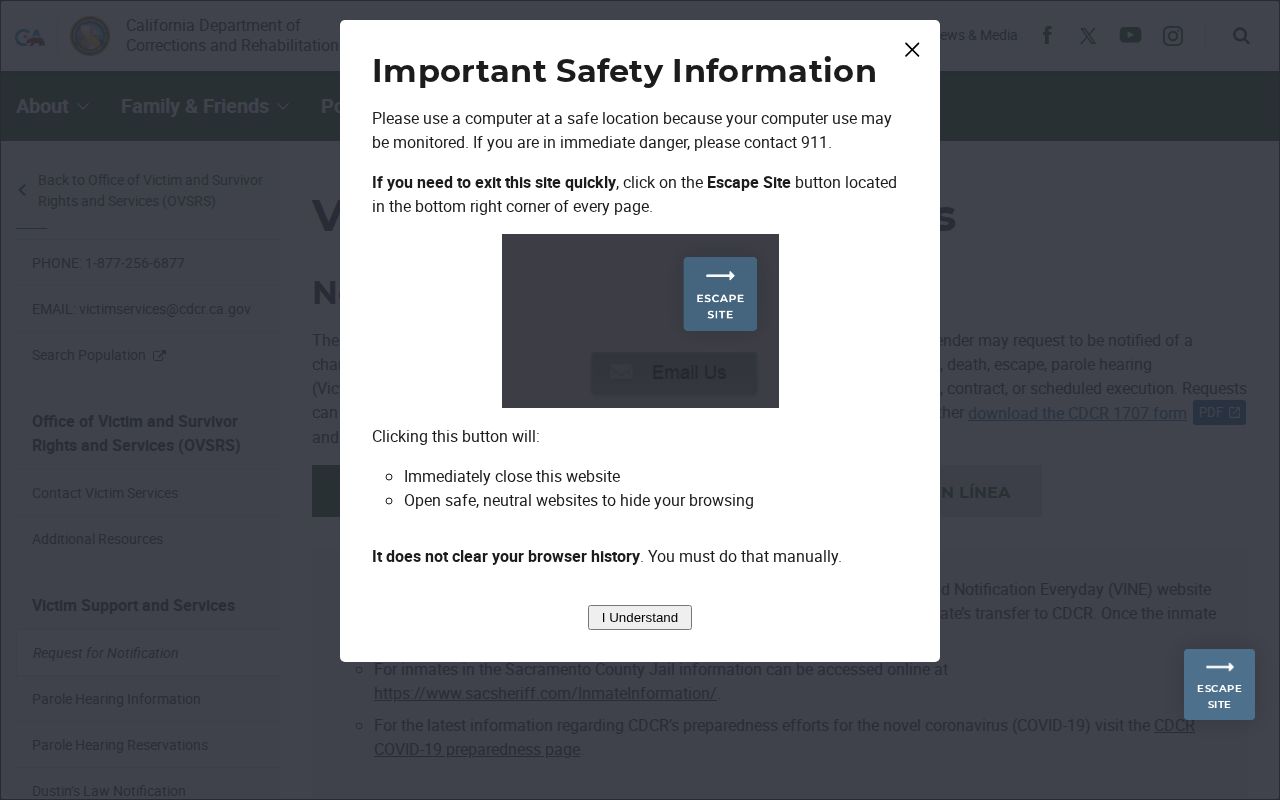
No screenshot of the service appears here. This registration path applies only after a Del Norte arrest moves from county jail to CDCR custody. County inmates use the standard Del Norte VINELink alert process instead. Check custody status first.
VINELink Arrest Check Limits
A blank result has many causes. The booking may be too new. The person may already be released. A transfer, a restricted record, a too-narrow name search, or an agency VINE does not cover can also hide the entry. Silence never proves that a Del Norte County arrest failed to happen.
Federal cases need a different tool. The BOP inmate locator tracks federal custody from 1982 forward and posts no mugshots. Immigration custody runs through the ICE Online Detainee Locator System, whose rules differ, including limits around recent CBP holds. VINE replaces neither one.
VINE also says nothing about charges or outcomes. Del Norte Superior Court holds that layer. The service exists for custody alone.
Booking photos sit outside VINE's purpose. Del Norte's public setup keeps arrest and inmate photos off. A blank image area, an old third-party label, or a news photo does not prove a county mugshot exists. A records request can still ask whether a disclosable booking photograph exists. DNSO publishes no photo form, no fee schedule, and no turnaround promise.
Del Norte VINE to CDCR Handoff
Del Norte arrests usually start at the county jail. For that local layer, the Sheriff's Office points people toward California VINE. Its line is 1-877-411-5588. CDCR describes VINE as a way to follow county custody too. But once a person transfers into CDCR custody, the picture changes. A separate system takes over state-prison victim notifications. That is the Office of Victim and Survivor Rights and Services.
That handoff can leave a visibility gap. Someone leaves the county display and has not yet surfaced in the state system. To find a person currently held in state prison, use the California Incarcerated Records and Information Search. CIRIS works as a text locator. It shows no public offender photograph in its results.
Do not assume a county VINE registration migrates into OVSRS. It does not. The CDCR application serves the later state-prison notification layer. Its current form may ask about the applicant, the person in custody, and qualifying notification interests. Follow the CDCR instructions and keep your confirmation somewhere separate from the original county registration. The official California CIRIS service page adds helpful context for the state lookup.
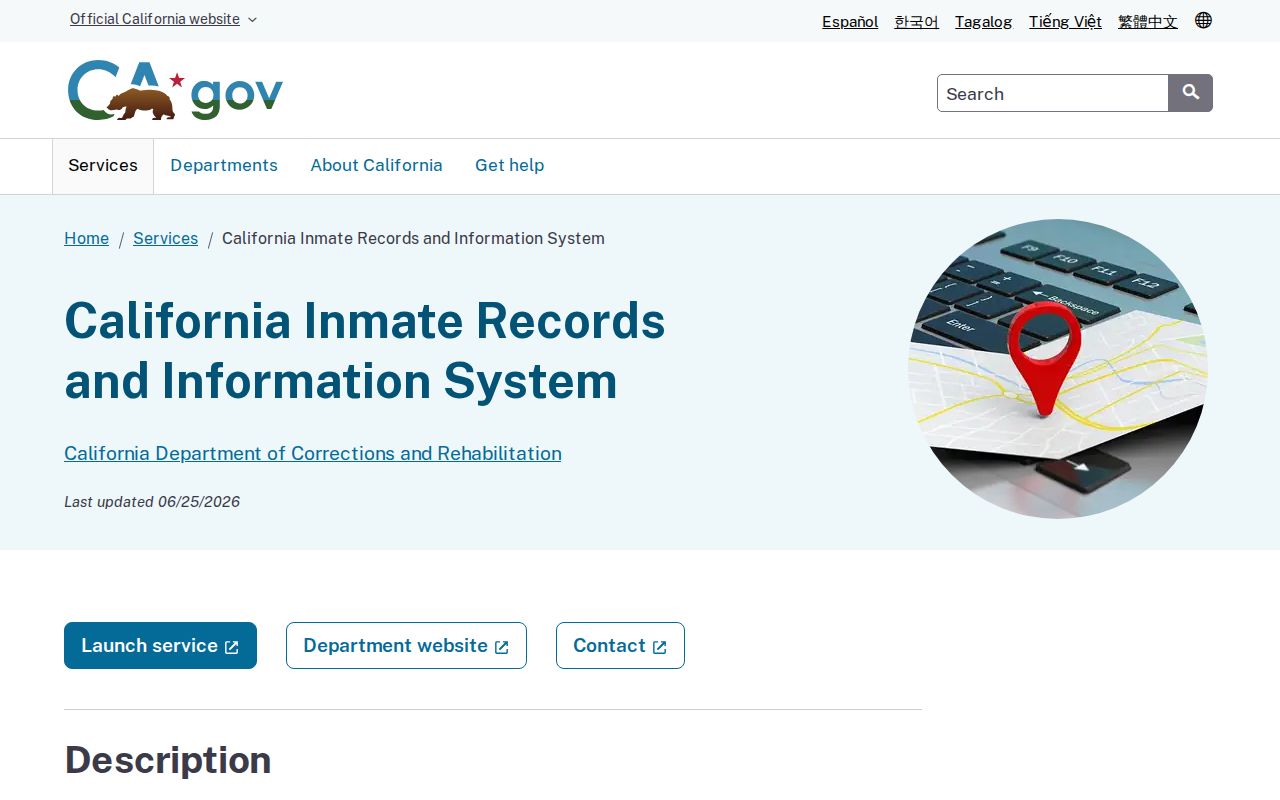
CIRIS helps confirm state-prison custody; CDCR notification registration remains a separate step.
Fresh Del Norte Arrests May Lag
Del Norte has no separately enabled same-day arrest module in its public CitizenRIMS setup. A newly arrested person only becomes searchable after the event turns into a county booking. The relevant systems must receive the data first. Check the official incarcerated-person roster first. When confirmation cannot wait, call the Sheriff's Office. The Triplicate mirror can add booking context, but it is not the custodian. The official county incarcerated-person page shows the roster channel to use before or alongside VINELink.
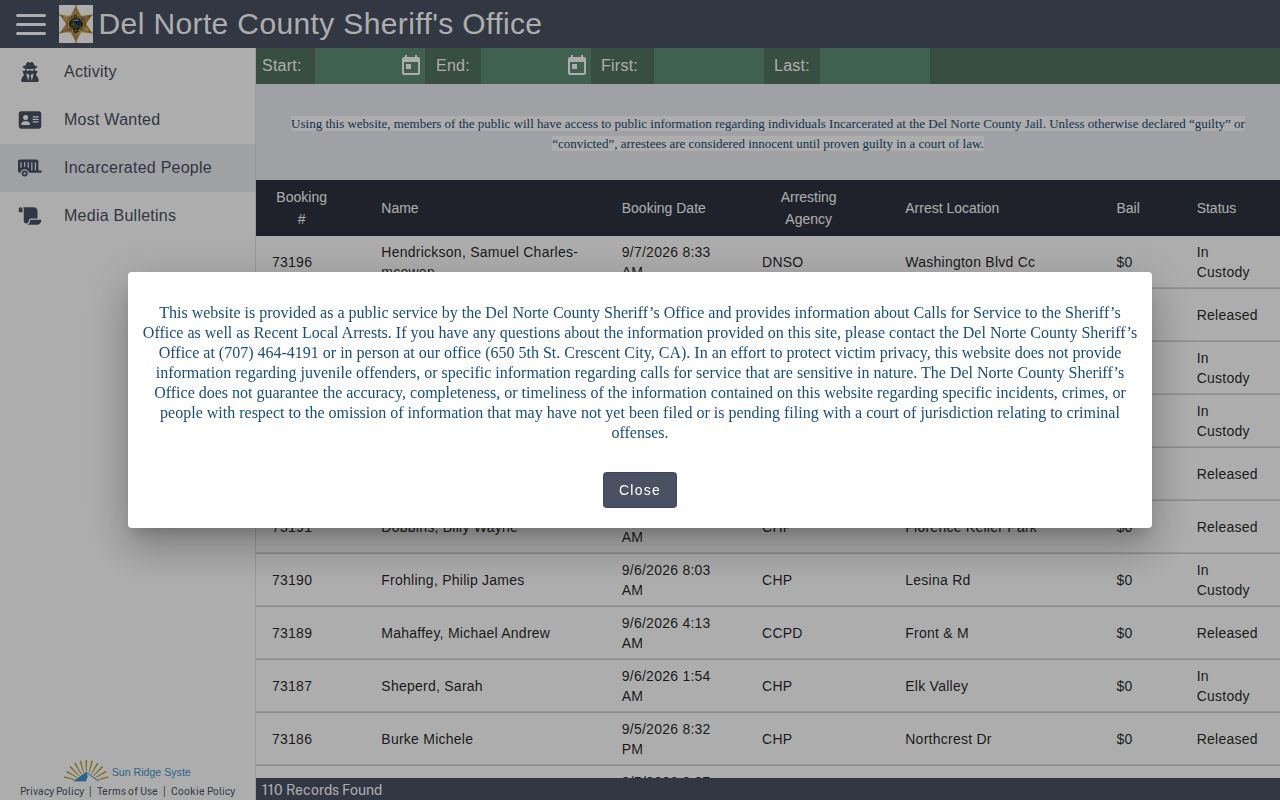
This image shows CitizenRIMS, not VINELink. It appears here solely to separate the county roster from the alert service. VINELink exists for custody notification and personal safety. Verify any match with the responsible agency before relying on a status or repeating it.
Responding to a Del Norte Custody Alert
Read before you act. The event type, record identifier, facility, and time in the notice all matter. Confirm any unexpected release or transfer with the reporting agency. An automated message can arrive after the underlying event. If the notice suggests an immediate safety threat, call 911. Never reply to the automated alert or post it to social media.
Keep your VINELink confirmation and four-digit PIN away from public notes. A move to CDCR means completing the state notification application. Do not trust the county registration to carry forward. Custody notices do not cover court dates, protective orders, or case outcomes. Confirm those with the right court or agency.
Public Record Search
Sponsored Results